Phonetic Bengali · Cloud documents

Type Bengali at the speed of thought. Stay on the keyboard.

A focused writing space with a deterministic phonetic IME: predictable rules, Roman letters in, beautiful Bengali out—plus rich text and documents you can pick up anywhere.

Illustrative examples only; names and organizations are placeholder until real customers are listed.

Dhaka Review
N. Rahman
Bangla Press Co-op
Sharmin K.
Letters Studio
Imtiaz A.
Podcast বাংলা
Open Syllabus
Farida M.
Campus Chronicle

Live composition

Literary rhythm, real IME

Formal Bengali with nested clauses and long vowel runs—exactly where lightweight transliterators fall apart. Here, every glyph is produced the same way it will be in your document: one keystroke at a time, under the same deterministic rules.

Examples on the line

হৃ · ক্ষ · া · —

Vocalic r, conjuncts, vowel signs, and prose punctuation—same rules as in the editor.

Live interactive editor

Roman input

Why writers choose it

Velocity without friction. A keyboard you can trust.

Long-form Bengali breaks tools that treat script as an afterthought. দ্রুতি keeps input, layout, and feedback aligned so attention stays on the sentence—not the UI.

Thought-speed composition

Roman letters stream in; conjuncts and vowel signs resolve in lockstep with your fingers. Everyday syllables never send you hunting through picker grids or guesswork panels.

Live syllable pipeline · same engine as the editor
Hands stay on the board

Headings, formatting, IME on/off, and Bengali↔English switches are wired for muscle memory—so a chapter feels like one continuous gesture, not a sequence of mouse detours.

EToggle Roman vs Bengali on the line

Shift-click the toolbar IME control to power the compositor on or off without leaving the keyboard story.

Same keys, same glyphs

Deterministic rules mean the software does not improvise behind your back. Learn the pattern once; repetition builds speed without second-guessing the next character.

k · kক্ক
k · k · hক্ষ

How it works

Roman in. Bengali out.

One compositor sits behind the cursor: keystrokes are interpreted in place—no paste-and-convert wall, no second-stage “make it Bengali” pass after you finish a sentence.

Same path as the editor

You type

okkhor

Familiar letters; the buffer holds phonetic intent until the rule commits.

Line shows

অক্ষর

Conjuncts, vowel signs, and danda behave like production—because this is production.

  1. 01

    Phonetic stream

    Roman keys feed the same IME the document uses: conjuncts and vowel marks resolve as you go, under the same deterministic rules every time.

  2. 02

    Two scripts, one flow

    Press E to swap the active line between Latin and Bengali. Shift-click the toolbar IME chip when you need the compositor fully off—names, links, and code stay reachable without a mouse marathon.

  3. 03

    Continue anywhere

    Documents live in the cloud with structure intact—open another device, same shortcuts and IME habits, mid-paragraph without relearning the tool.

  4. 04

    Guideline on demand

    After sign-in, the in-app Bengali reference spells out clusters, aspiration, and edge cases—so advanced typing stays documented, not folklore passed between power users.

Inside the app

Serious prose deserves one calm surface.

Rich structure, cloud continuity, and Bengali help live together—so you stay inside the document instead of hopping between a word processor, a converter, and a cheat sheet.

Structure that holds up

Headings, lists, block quotes, links, images, and code blocks—real rich text, not a stripped-down note field. Export when you need to hand work off without rebuilding layout elsewhere.

  • TipTap-powered editing with formatting you can see while you type.
  • Documents as first-class objects—open, edit, save, repeat.
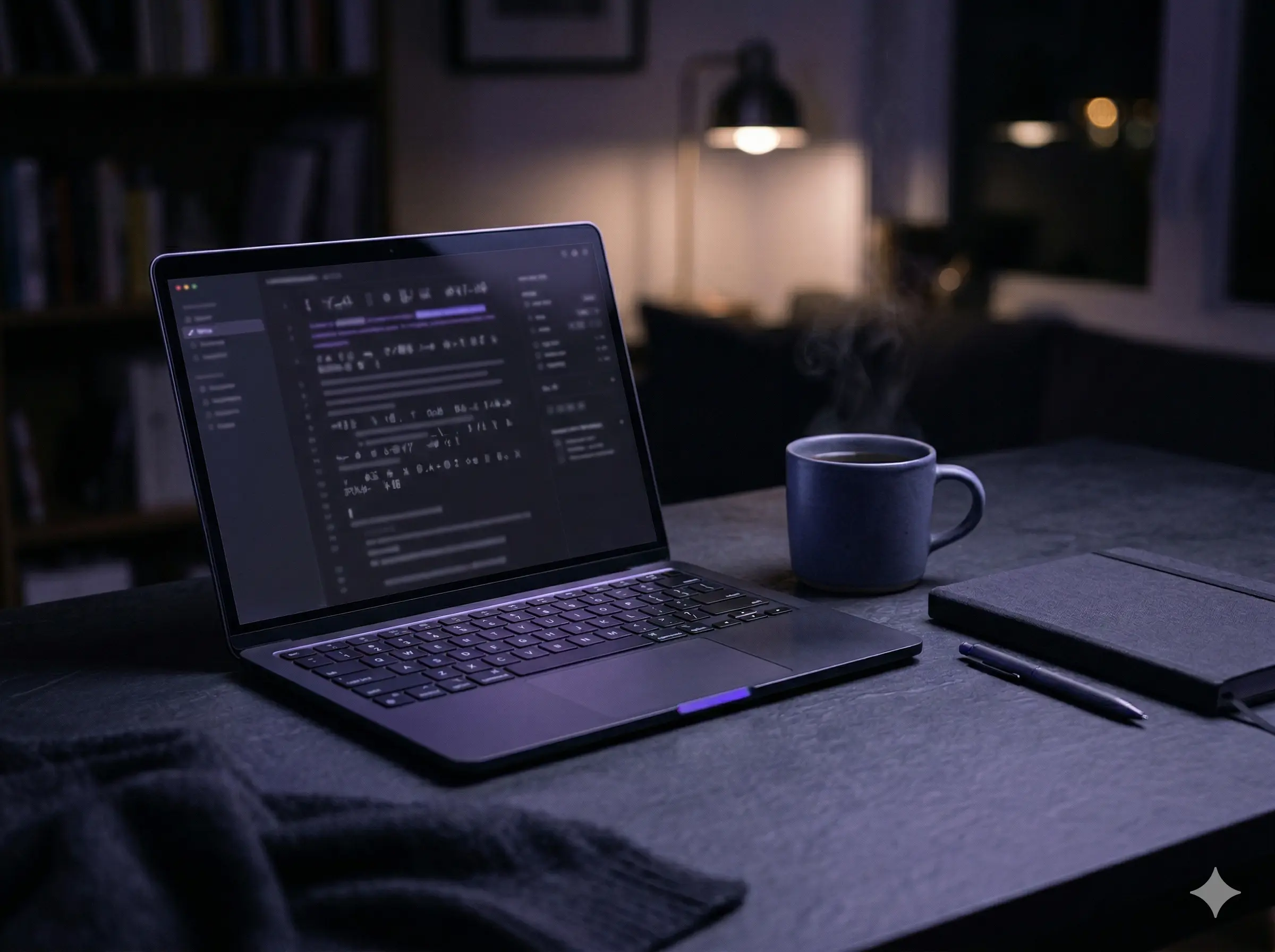
Laptop on a desk with coffee, work-from-anywhere writing

Continuity

The same room, anywhere

Desk, café, or late night on the couch—cloud sync keeps the canvas intact. Your shortcuts, toolbar, and IME muscle memory carry over so the tool disappears faster.

Learning beside the line

The Bengali guideline and conjunct reference open next to the page—authored explanations and examples for the exact engine you are typing into, not a generic transliteration chart.

Sign in · Guideline and IME reference in-app

Hands typing on a laptop keyboard, keyboard-first workflow

On the line

⌃E · IME · same cursor

Built for your hands

Stop reaching for the mouse. Stay on the keys.

This is not a form with a stray “Bengali mode” tucked in a corner. It is built like a typewriter: rhythm first—toggles, hints, and shortcuts arranged so a long session feels like one continuous gesture.

Flow-preserving toggles

Turn the compositor on or off and flip the active line between scripts without leaving the story you are typing—Estays muscle memory, not a hunt through chrome.

Feedback that matches your fingers

Toolbar chips and inline state echo what the IME is doing—so you are never guessing whether Roman or Bengali is live, or whether the buffer is still holding a half-formed cluster.

Built for long sits

Dark canvas, soft contrast, and quiet chrome so eyes and wrists get fewer surprises—the same calm surface from the opening paragraph to the closing line.

Students · Authors · Teams

One editor when Bengali and English share a page.

Essays beside citations, scripts with stage directions, notes next to links—when both scripts belong in the same document, you should not need a converter tab and a second brain just to stay in flow.

Notebook and pen on a wooden desk, suggesting focused writing

Same habits everywhere

Cloud sync carries shortcuts and IME behavior across devices—open mid-thought without relearning the tool.

Students

Draft bilingual assignments, annotate sources in English, and switch the active line when a Bangla paragraph needs to land—without juggling a separate transliterator for every other sentence.

Authors

Carry chapters, newsletters, and scripts in rich text with structure you can see—headings, quotes, and links stay honest while the IME keeps up with nested clauses and long vowel runs.

Teams

Shared vocabulary—meeting notes, briefs, bilingual updates—lands faster when everyone types with the same deterministic rules and the same calm surface. Sign in, open a doc, and let the IME fade into the background while the work stays in focus.

Vintage typewriter, suggesting deliberate craft and text

একই নিয়ম, প্রতিবার

Same rules, every keystroke—learnable input you can trust with rough drafts and final copy.

Philosophy

Predictable beats clever. Learnable beats magic.

When the engine surprises you mid-sentence, you slow down to babysit the tool. We treat that as a design failure: the phonetic IME is documented, repeatable, and shared with the editor—so speed comes from habit, not from hoping the black box agrees with you today.

What that means for you

  • Deterministic output—the same key sequence resolves the same glyphs, so muscle memory compounds instead of resetting.
  • Your rhythm, our rails—we handle layout, sync, and the rule set; you keep authorship of tempo and voice.
  • Guidance in reach—after sign-in, the in-app reference explains clusters and edge cases for the exact engine on the line.

Voices from the desk

Not a carousel. A litter of truth.

Scraps you would find after a long writing night—pinned, crooked, overlapping. Tap a note to hold it; another steals the light every few seconds until you do.

Pin a voice—click or press Enter on a card to freeze the spotlight. Representative early feedback; not paid endorsements.
stream.logwitness / unsolicitedLIVE

The IME does not improvise behind your back. Learn the pattern once; speed shows up as repetition, not luck.

NOTE · 07

I stopped living in three tabs—doc, converter, Unicode search. One surface, one habit, same rules every time.

N.C.Grad student · bilingual thesis

Long vowel runs and nested clauses used to fracture every “simple” transliterator. Here the buffer actually keeps up with how I think in Bangla.

Farah R.Newsletter editor

SHORT

⌃E is muscle memory now. I switch the line without looking—first tool where Bangla feels like part of the keyboard, not a detour.

IstiakProduct writer

We share drafts where English headings sit above Bangla body copy. Onboarding is “open doc, type”—no separate stack for script.

Team of 4Remote studio

Early users and design partners · paraphrased for length

Open a document

Ready to write in Bengali without slowing down?

Sign in once, pick up anywhere. One click opens a blank page—Roman keys under your hands, Bengali on the line, with the same deterministic IME as the live demo: no separate conversion step, no surprises mid-sentence.

Get started freeLog in

Phonetic IME · Rich text · Cloud sync